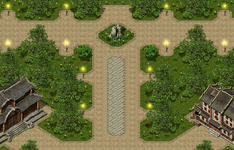
Been dabbling in the map editor and it’s so much fun, at this rate I may create an entire world lol, I’m no Picasso but it’s nice to have a play 
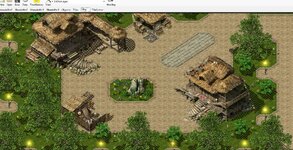
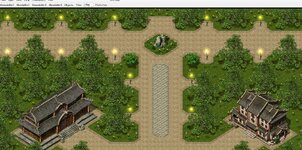
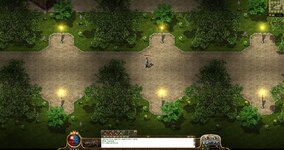
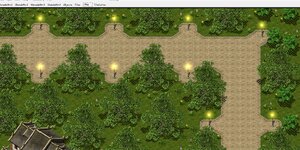



yea tbh it's a good start.That actually not to bad for a first go.
Where did you unearth this editor relic?

 I have some ideas that will look to add as I go too, paths to other maps in all four corners and making the bottom an entry point from a starter map. Nice if I can find the objects u mentioned, I am slowly using the grasping tool gathering some favourites, interested to see what’s already out there
 github.com













Its a shame he never finished his maps, those were next levelChalace v2
 www.lomcn.net

4) symmetry rarely ever looks look
I’d recommend using the latest Map Editor

GitHub - Suprcode/Crystal.MapEditor: Legend of Mir 2 - Official Public Crystal Map Editor
Legend of Mir 2 - Official Public Crystal Map Editor - Suprcode/Crystal.MapEditor

add dirt under the buildings
I once worked with a measuring instruments panel design engineer who used to say symmetry only looks nice on women, not on instrument panels.
Never claimed the map editor was mine? it's crystal's map editor. I'd recommend using it since it doesn't have a memory leak like the other and it using net core instead of the old net framework, same applies for slimdx instead of the older direct xIf that editor on GitHub still has that 'map viewer' of yours in it, forget it. That killed it. Problem is you have never done any map editing I know of but felt qualified to remake the program to your liking.
Since we have that Resources section above here in the forum header
View attachment 37747
why not head over and download the new map editor from there and maybe read the tips on using some of its more advanced features.
Never claimed the map editor was mine? it's crystal's map editor. I'd recommend using it since it doesn't have a memory leak like the other and it using net core instead of the old net framework, same applies for slimdx instead of the older direct x