- Feb 21, 2013
- 3,595
- 2
- 681
- 265
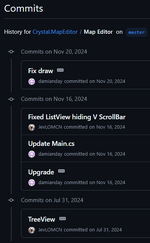
I looked at the Github map editor and found the map TreeView addition totally messing up the whole editor, not just the map view tab as I have thought.
It is present on every tab and when the editor is in maximized view on my 2560x1440 resolution screen, it leaves some twenty percent of the screen space unused.
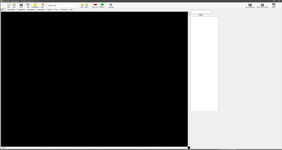
Going from maximized to smaller size is the only time when the TreeView panel is displayed as intended.
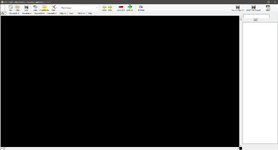
If you drag the editor window to a smaller size, the TreeView panel becomes hidden.
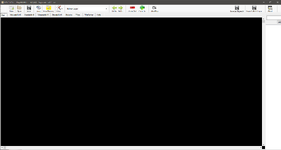
If you drag the editor window bigger, the extra unused space starts to grow...
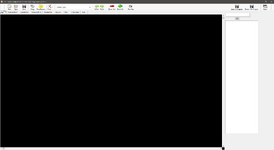
What kills it completely is that this TreeView panel is present on each and every tab, here you see it in WemadeMir2 library view.
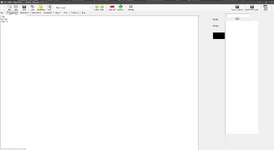
I am now pondering how to synch all the other commits into my editor version except the TreeView one. Is there a way to do that?
I wouldn't even think of making a PR into this editor state. Was any testing done on this except on the map tab, in one editor window size, not checking what happens when you go to other tabs?
It is present on every tab and when the editor is in maximized view on my 2560x1440 resolution screen, it leaves some twenty percent of the screen space unused.
Going from maximized to smaller size is the only time when the TreeView panel is displayed as intended.
If you drag the editor window to a smaller size, the TreeView panel becomes hidden.
If you drag the editor window bigger, the extra unused space starts to grow...
What kills it completely is that this TreeView panel is present on each and every tab, here you see it in WemadeMir2 library view.
I am now pondering how to synch all the other commits into my editor version except the TreeView one. Is there a way to do that?
I wouldn't even think of making a PR into this editor state. Was any testing done on this except on the map tab, in one editor window size, not checking what happens when you go to other tabs?
Last edited: