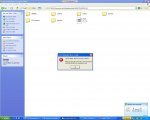
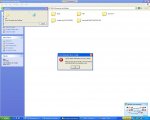
What are you logged in as? Kev? Paul?
First of all, if you are not admin, you can't access other people's folder.
If you are logged in as Administrator, you can try this...
Let say you are deleting "Kev" for example...
Right click My Computer properties->Advanced->User Profiles Settings
Delete the user Kev.
If Kev doesn't exist there, and you really want to delete that folder...
As admin... you can...
run CMD
type
CACLS "D:\Documents and Settings\Kev" /T /G Everyone:F
DEL /F /S "D:\Documents and Settings\Kev"
If you get error, paste the error here.
Kaori is not responsible for any data loss. Proceed with your own risk!
Good luck!