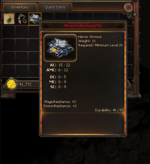
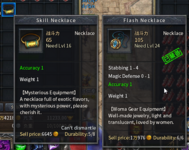
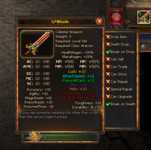
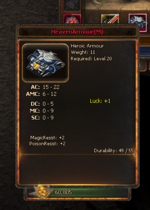
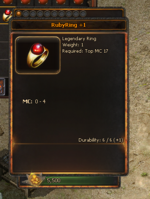
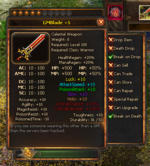
Option like holding shift to display comparison to equipped item would be great. Mir3d always pops up the comparison (equipped item is marked with that green stamp) and it gets in the way.
I still recall with nostalgia the original info tip displayed in the bag bottom field in nice yellow letters. Maybe it could be brought back for displaying only stats that are added. Or to have a toggle to have the info tip display only when the item has added stats (after a while, you know most of the items info anyway or are not interested).
We got used to that constant info panel popping up whenever you move mouse around your storage but it tends to get in the way to see what you are doing, like when sorting the storage out.
BTW I don't know if you have it but a button that automatically sorts items in your storage spaces by some predefined item category is a nice thing to have (as much as I can have issues with it not sorting as I'd want it to, like the Chinese way of sorting is not the way we would do it LOL).
View attachment 31435